Activate License for AnyLearning
Step 1: Prerequisites
- AnyLearning installed.
- License purchased from AnyLearning Store (opens in a new tab).
Step 2: Open AnyLearning
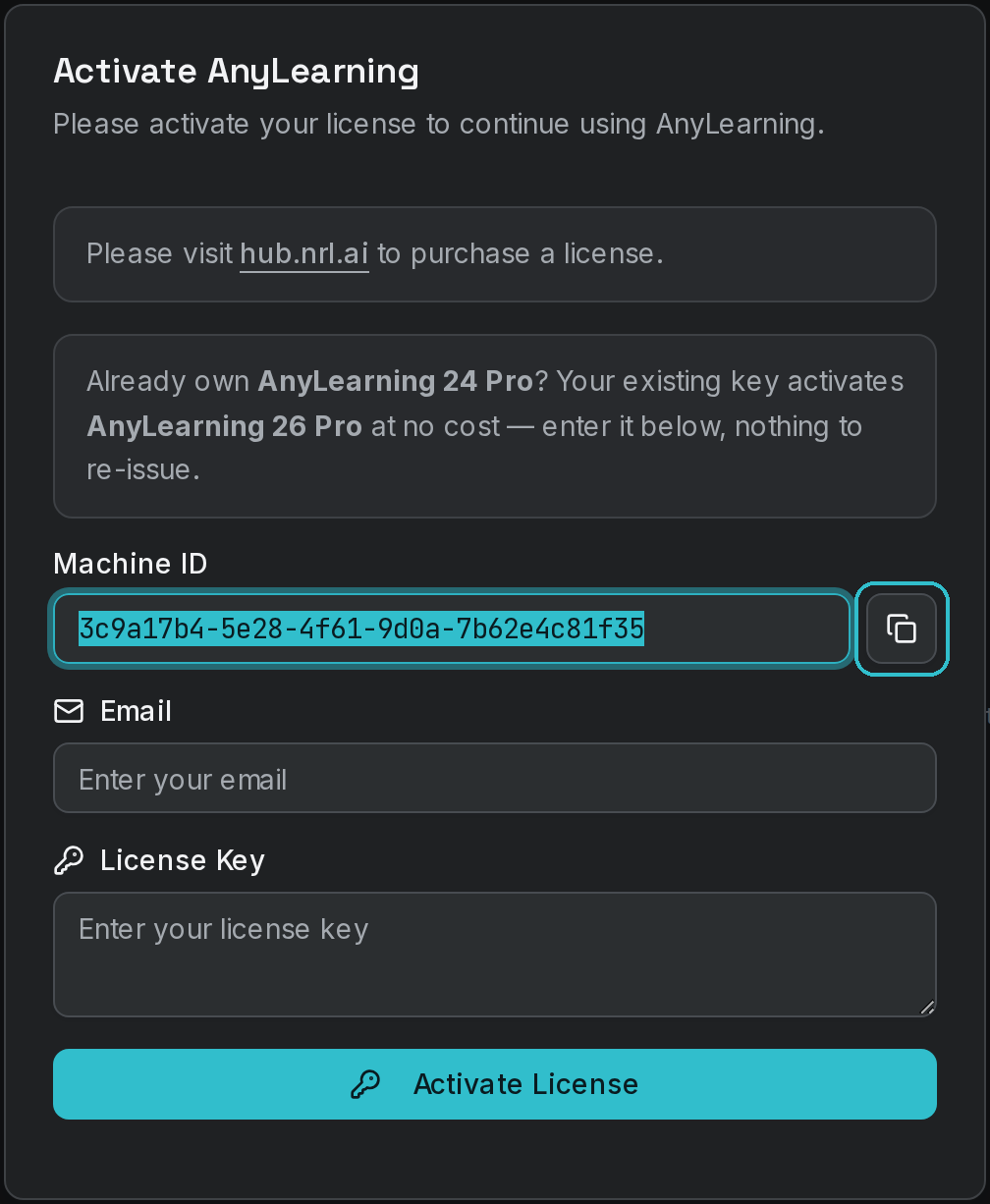
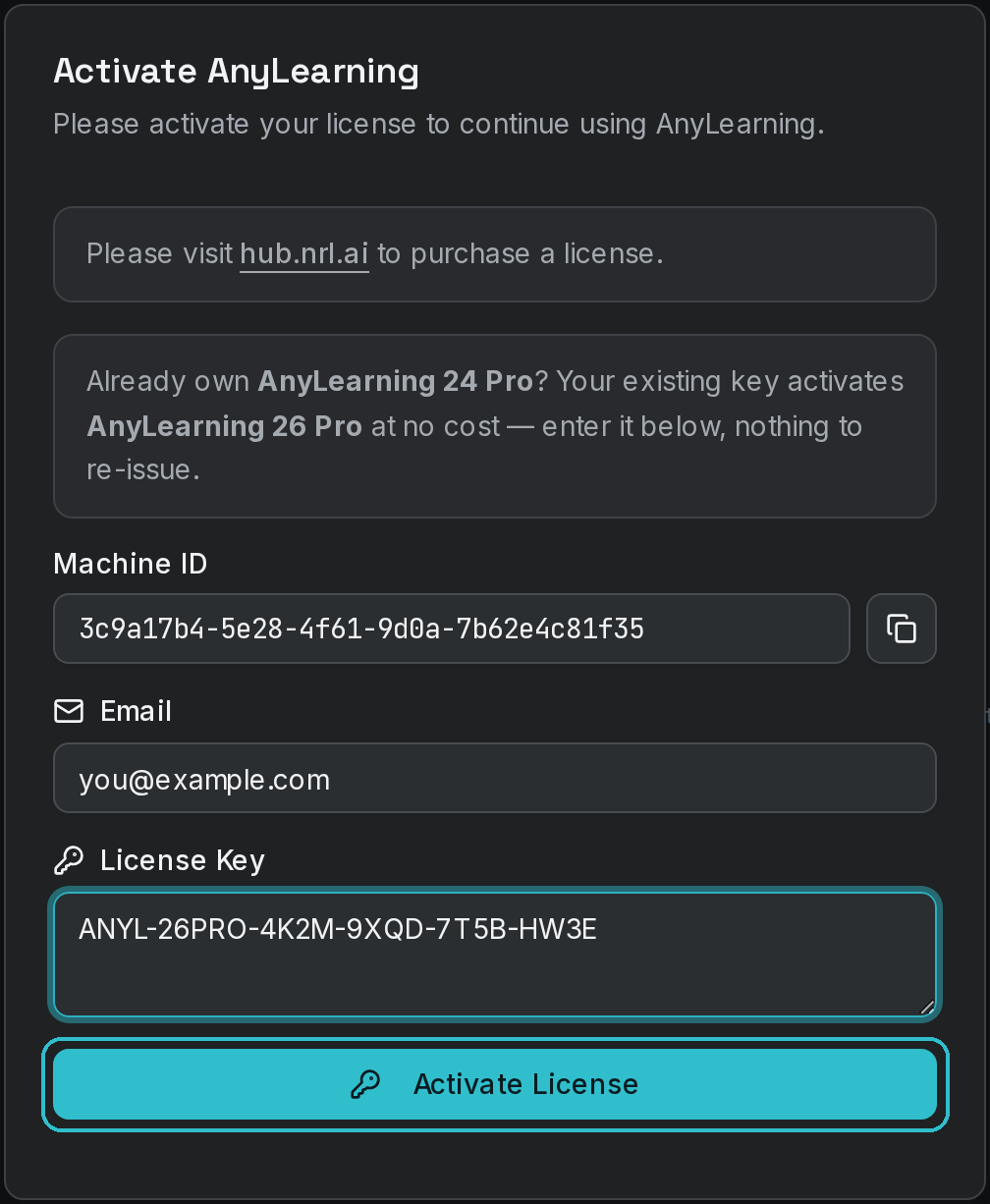
Open AnyLearning from your applications menu. Copy Machine ID from the form above.
Step 3: Generate License Key
Login to NRL Hub (opens in a new tab) and paste Machine ID into the field on your subscription, then press Activate.
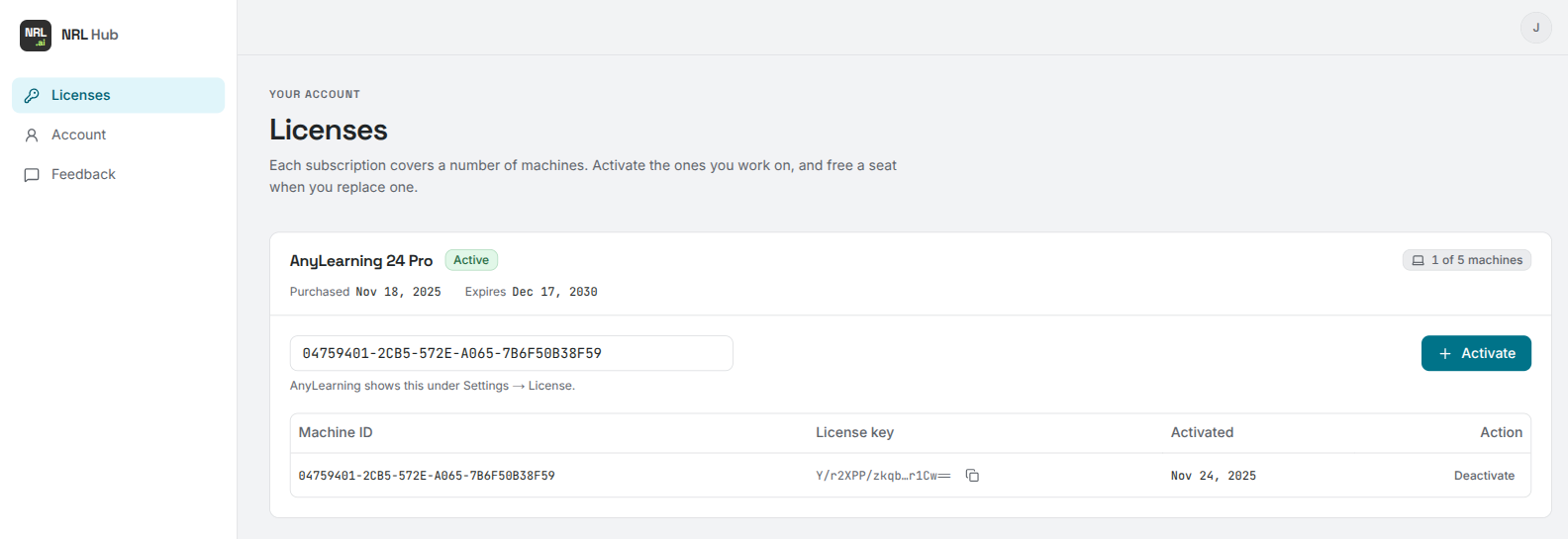
The activated machine appears in the table below the field. Press the copy button next to the License key to put it on your clipboard.
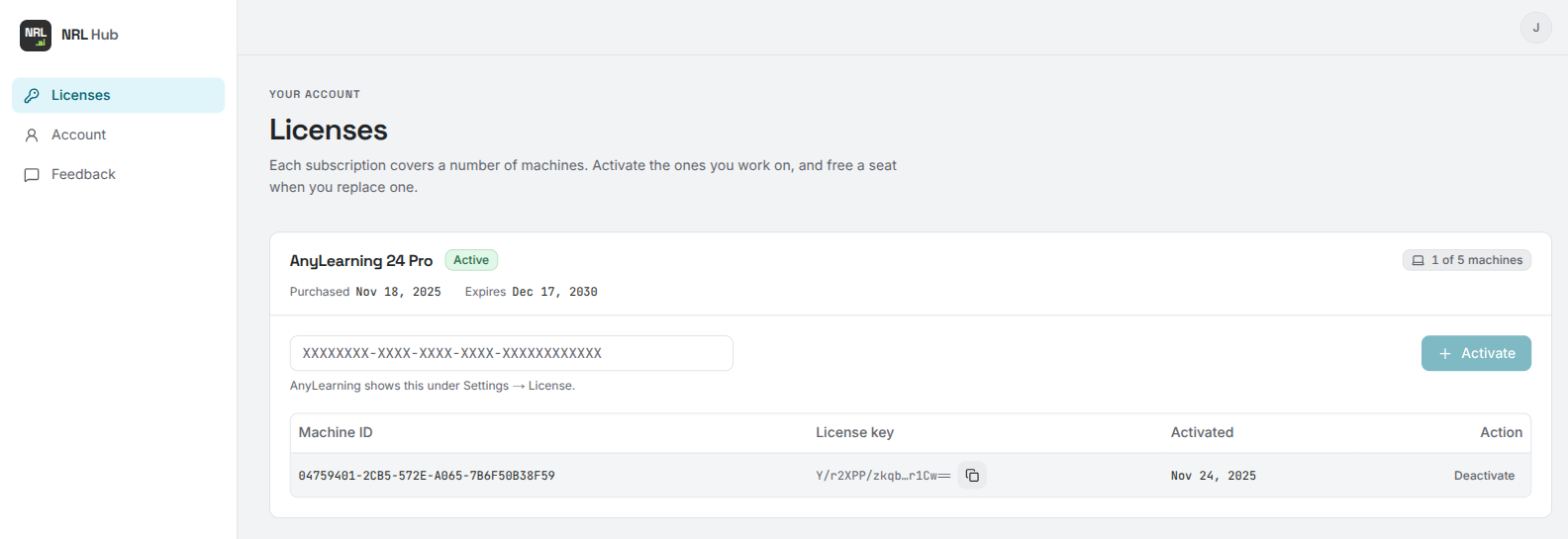
Each subscription covers a fixed number of machines — the chip on the right shows how many you have used. If you run out, deactivate a machine you no longer use and its seat becomes available again immediately.
Step 4: Activate License
Paste the License Key into AnyLearning. Use the email you used to purchase the license / login to NRL Hub.
Step 5: Enjoy!
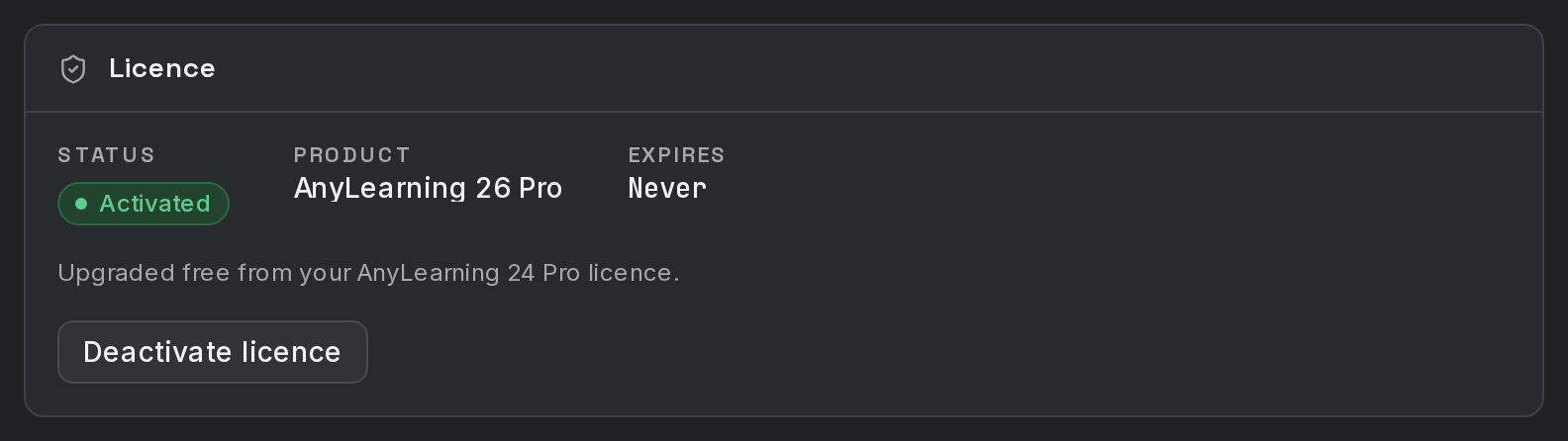
You should see the license activated and ready to use.